Controls on request
Press F1 to reveal settings, help, and export. Press it again to return to the page.
 PERGAMENT
Get Pergament
PERGAMENT
Get Pergament
Focused writing app for serious words
Pergament is a distraction-free writing app built to keep the software out of your way. A calm place for chapters, essays, journals, and the next sentence.
The product experience
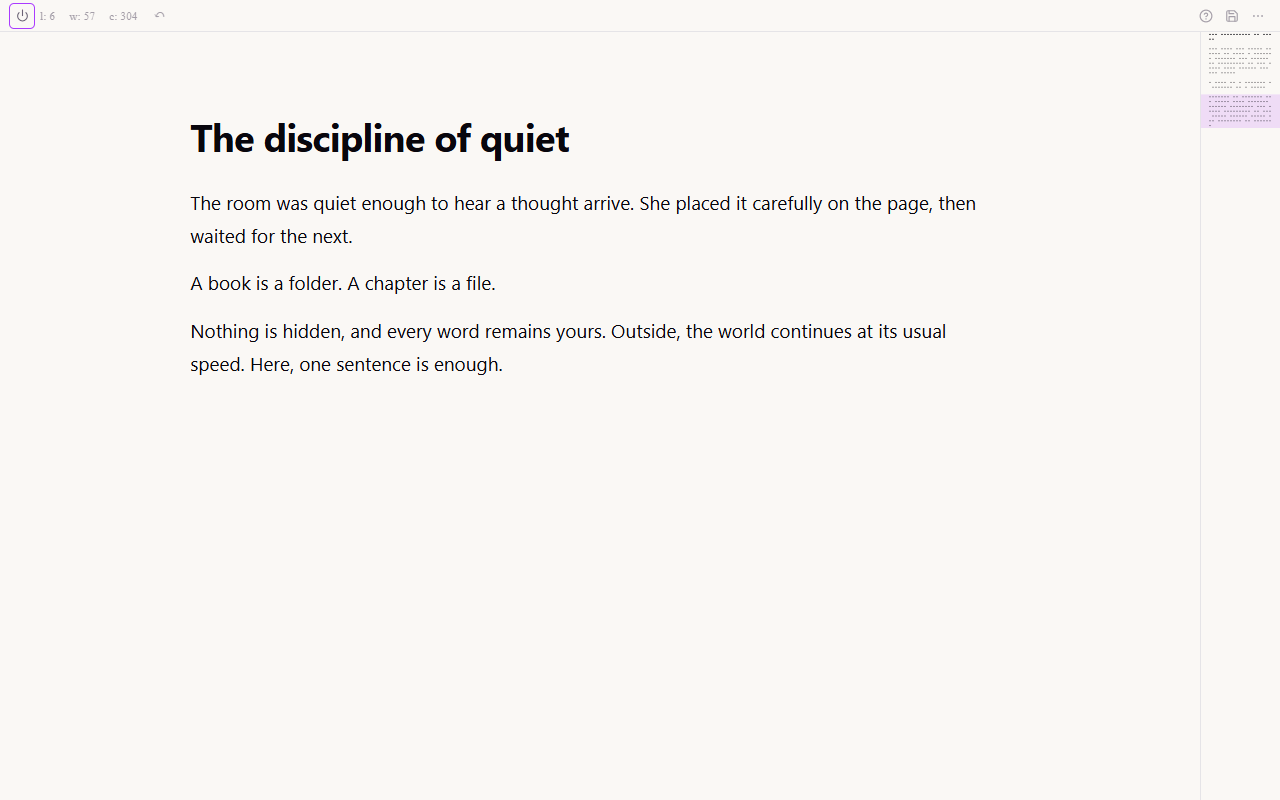
Pergament is designed around the moment when you stop managing a writing app and start writing. What remains on screen earns its place.
A slim status line carries the live counts. The manuscript gets everything else.
Press F1 to reveal settings, help, and export. Press it again to return to the page.
Move between chapters, toggle notes, or change the writing atmosphere without leaving the sentence.
Chapters, notes, books, volumes, and snapshots support long work without becoming a dashboard.
A deliberate refusal
Writing software keeps finding new ways to interrupt writing. Pergament takes the opposite approach: give you the page, the tools you actually need, and enough quiet to finish the sentence.
Three reasons to choose Pergament
Restraint is useful only when it makes the work feel clearer, safer, and better to return to.
The interface steps aside when the sentence starts. Full screen is the room; F1 is the door.
One key hides every controlChoose a folder. Each chapter becomes a Markdown or text file you can move, copy, archive, or open elsewhere.
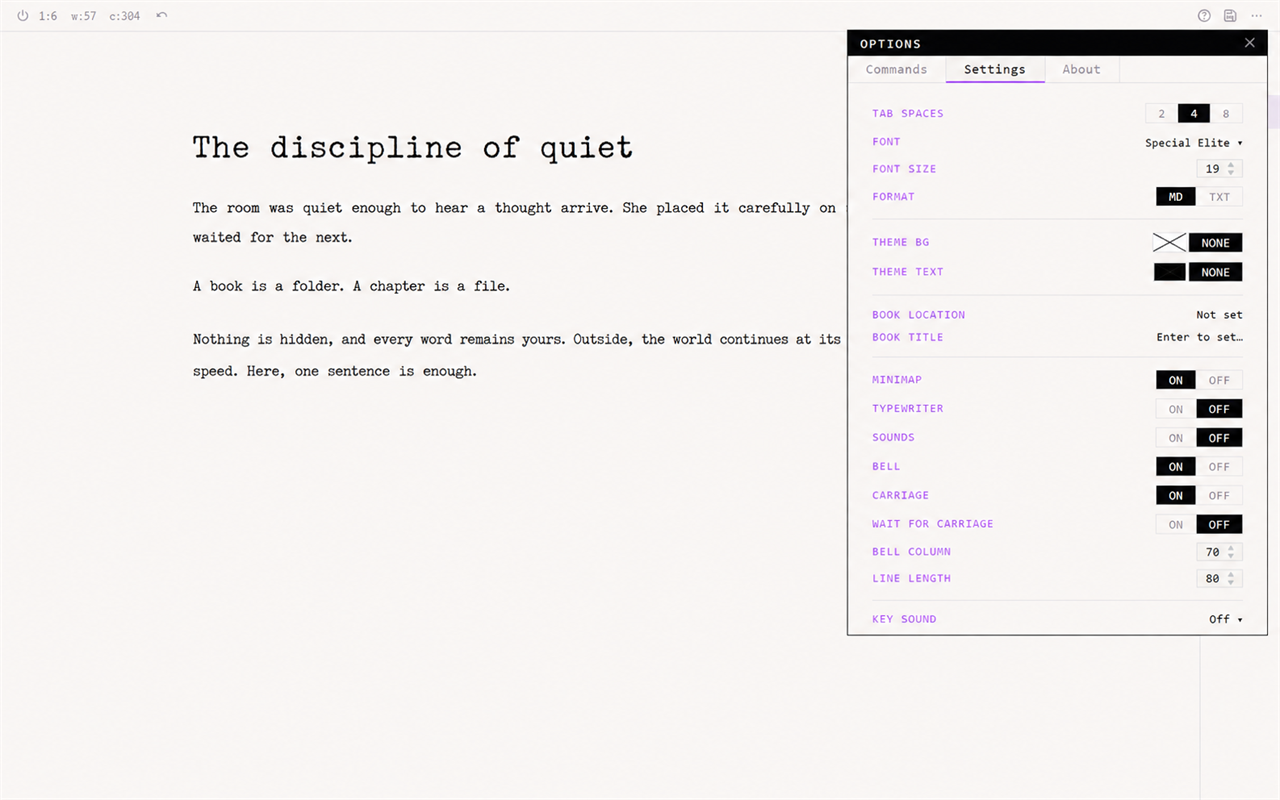
No proprietary manuscript libraryChoose a quiet screen or add typewriter keys, a margin bell, and a carriage return when rhythm helps.
Silence or sound - the words stay centralYour files, made concrete
You choose the book folder on your computer. Pergament saves each chapter as an ordinary Markdown or plain-text file, automatically as you type.
.md or .txt.A book is a folder. A chapter is a file.
A writing instrument
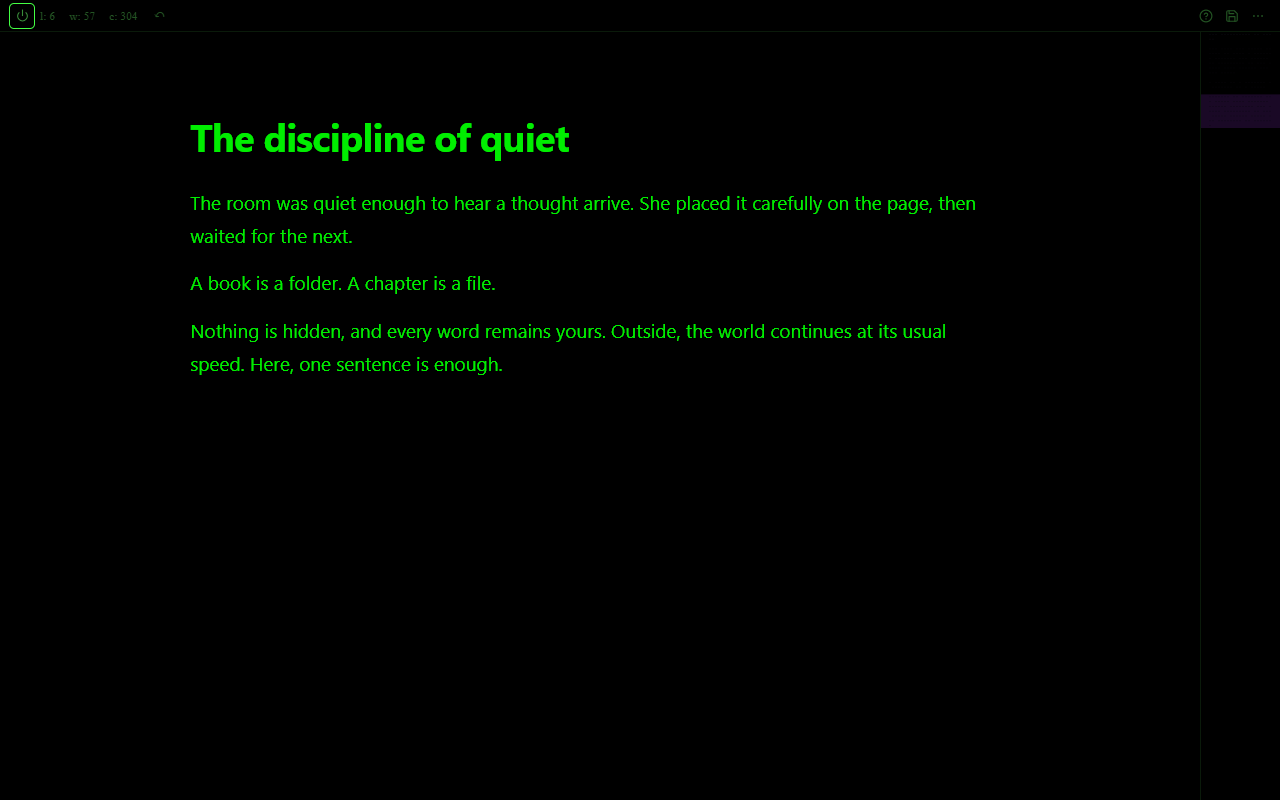
Adjust the atmosphere once. Call the settings back only when you need them.
When the draft is ready
Pergament gathers your chapters in order and exports the finished work without changing the source files.
Practical details
Get Pergament for Windows from Microsoft Store or for Linux from itch.io. Releases for macOS and Android are being prepared.
Questions worth asking
In the book folder you choose on your computer. Pergament writes the chapter files directly into that folder.
Each chapter can be stored as Markdown (.md) or plain text (.txt).
Yes. The chapter files are ordinary text files, so another text or Markdown editor can open them.
No. The application does not require an account, username, or proprietary cloud workspace. Read the privacy policy.
Pergament is available for Windows from Microsoft Store. The Linux release is available on itch.io as DEB, RPM, and AppImage packages, free with an optional contribution. Releases for macOS and Android are being prepared.
Export the ordered chapters as TXT, Markdown, PDF, DOCX, EPUB, or ODT while keeping the chapter files unchanged.
Open the quiet room
Get Pergament for Windows from Microsoft Store, or download the Linux release free from itch.io with an optional contribution.
PERGAMENT 1.0.1 · PERSONAL & COMMERCIAL WRITING